
How to Build a Waitlist That Grows Without Paid Ads
Learn how to build a waitlist that grows without paid ads using a sharp value proposition, referral loops, and a pre-launch email sequence that converts.

Justin Britten
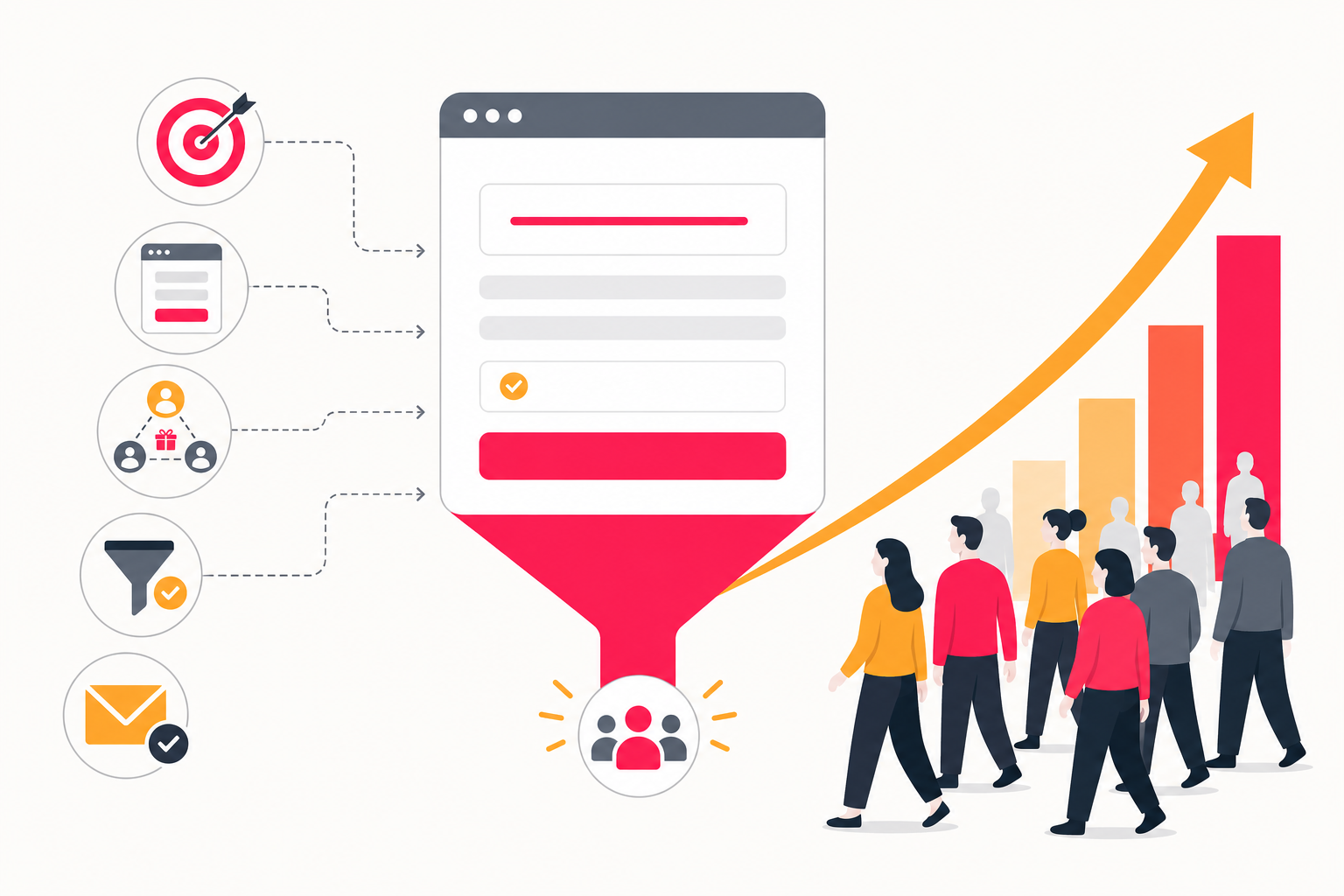
To build a waitlist that grows without paid ads, nail your value proposition in one sentence, publish a focused landing page, add a referral loop that rewards sharing, include one qualifying question to filter intent, and send a short pre-launch email sequence. Done right, waitlist pages convert at roughly double the rate of standard landing pages, making organic growth a realistic goal from day one.
The real growth comes from the mechanics you layer on top: a sharp promise that makes visitors want to sign up, a referral system that turns each subscriber into a recruiter, and an email sequence that keeps your list warm until you ship.
Step 1: Write a One-Sentence Value Proposition
Before you build anything, you need one sentence that tells a stranger exactly what your product does and why it matters to them. Without it, every other element of your waitlist, the headline, the CTA, the email subject lines, will pull in different directions.
Follow this structure: "[Product] helps [audience] [achieve outcome] by [mechanism]." Keep it under 20 words. Cut adjectives. Test it on someone outside your industry: if they can repeat it back accurately, it works.
Every other line on the page supports that sentence rather than competing with it.
Step 2: How Do You Build a Waitlist Landing Page That Converts?
A high-converting waitlist landing page needs five elements: a headline drawn from your value proposition, a one-line subhead that adds context, a single email capture field, one clear call to action (something like "Join the waitlist" or "Get early access"), and a social proof placeholder such as "Join 400 people already waiting."
According to Waitlister's 2026 analysis, the median waitlist converts 11% of page visitors into signups. Compare that to the median landing page across all industries, which converts at 6.6% per Unbounce data cited in the same report. The gap is real, but it depends on a focused page, not a cluttered one.
For the page itself, you have two main paths. A hosted tool like LaunchList gives you a ready-made waitlist landing page with built-in referral mechanics and spam protection, so you can go live in under an hour. Waitlist by GetWaitlist offers a no-code widget you embed on an existing site, with API access if you want a fully custom frontend, though analytics and custom email templates are locked to higher paid tiers per getwaitlist.com. If you already have a website and just need the signup layer, the embed route is faster. If you are starting from scratch, a hosted page removes the most friction.
Every extra field you add cuts conversions. Keep the form to an email address at this stage.
Step 3: Which Tool Should You Use to Create a Waitlist for Free?
The right tool depends on your budget, your technical setup, and whether you need referral mechanics built in. Here are the main options:
- LaunchList: A hosted waitlist platform with viral referral mechanics, leaderboards, and spam protection. Paid tiers are priced on one-time submission counts rather than monthly subscriptions, which suits campaigns with a defined signup window. It focuses on the waitlist and referral layer, so you will need other tools for broader page building.
- Waitlist (GetWaitlist): A no-code widget with referral marketing and API access. It runs on a budget-tier subscription and supports multi-user team administration at the Pro level. Per getwaitlist.com, advanced analytics and custom email templates require a higher paid plan.
- GetResponse: An email marketing and automation platform with AI-powered website and funnel generation. It handles the full stack, from landing page to email sequence, at a budget-tier price. Note that per emailvendorselection.com and techradar.com, it has a strict no-refund policy and counts unsubscribed contacts in the active month's billing total, so read the terms before committing.
- RafflePress: A WordPress plugin for viral giveaway campaigns with refer-a-friend mechanics. Per rafflepress.com, it includes fraud protection to remove fake entries and requires manual verification for some social media actions. It runs on WordPress only, so it is not a fit if you are not on that platform.
Prefinery is a dedicated waitlist platform built for pre-launch campaigns. Plans start at $49 per month for the Lite tier, $249 per month for Essentials, and $499 per month for Pro. It assigns every signup a unique referral link automatically and lets you configure reward rules and track growth through analytics.
Step 4: How Does a Referral Loop Turn One Signup Into Many?
A referral loop works by giving each new subscriber a personal share link and a reason to use it. When someone joins your waitlist, they immediately receive a unique URL. If a friend signs up through that link, the original subscriber earns a reward, a better queue position, early access, or a bonus feature. That reward triggers more sharing without any ad spend.
The mechanics matter. Set a reward that is meaningful enough to motivate action but tied to your product so you attract the right people. "Move up 10 spots for every friend you refer" works better than a generic gift card because it filters for people who actually want your product.
For realistic expectations: according to getlaunchlist.com, the median referral rate for SaaS waitlists is 9 to 10%, meaning roughly one in ten signups comes through a referral link. That is a useful baseline, not a floor or a ceiling. Products with a strong community or a compelling reward can exceed it; niche B2B tools may see less.
For a deeper look at structuring the full viral growth loop, the Prefinery guide to viral waitlist mechanics covers reward design, share triggers, and leaderboard setups in detail.
Step 5: Add One Qualifying Question to Filter Real Intent
One well-placed question on your signup form separates people who are genuinely interested from those who clicked out of idle curiosity. You do not need a survey. You need one question.
The right question depends on where your product is in development. Use the table below to choose:
| Product Stage | Question Type | Example |
|---|---|---|
| Idea validation | Pain frequency | "How often do you face [problem]?" |
| Beta / MVP ready | Use-case fit | "What would you use [product] for first?" |
| Near launch | Willingness to pay | "Would you pay for this if it launched today?" |
| B2B / SaaS | Role and company size | "What is your role, and how large is your team?" |
Keep the question optional if your primary goal is volume. Make it required if you need to qualify leads before a limited beta. Either way, the answers give you segmentation data you can use in your email sequence.
Step 6: What Should You Send Waitlist Subscribers Before Launch?
Three emails are enough to keep your list warm from signup to launch day.
- Confirmation email: Send immediately after signup. Confirm their spot, deliver their referral link, and explain what they get for sharing. Keep it under 150 words.
- Progress update: Send two to four weeks before launch. Share a milestone, a screenshot, a feature teaser, or a signup count. Give subscribers something concrete to forward to a friend.
- Launch-day invite: Send the morning you go live. Give early-access subscribers a direct link and a clear deadline for claiming their spot.
One planning note: per getlaunchlist.com, the median email verification rate for SaaS waitlists is roughly 55 to 58%. Plan for a meaningful share of signups never confirming their address. Your actual engaged list will be smaller than your raw signup count, so build your launch targets around verified subscribers, not total form submissions.
Prices and plan limits verified as of October 2026.
FAQs
What is a waitlist and why do startups use one before launch?
A waitlist is a signup page that collects email addresses from people interested in a product before it is available. Startups use them to validate demand, build an audience, and create early momentum without running ads. The referral mechanics common to waitlist tools also let a small initial audience grow organically through word of mouth before launch day.
How many signups indicate successful demand validation?
There is no universal number. A B2B SaaS tool targeting 50 enterprise buyers needs far fewer signups than a consumer app. A more useful signal is the ratio of signups to page visitors and the share of signups who verify their email and engage with follow-up messages. Quality of intent matters more than raw count.
What is a good waitlist conversion rate for a SaaS product?
The median waitlist converts 11% of page visitors into signups, compared to 6.6% for a typical landing page. Rates vary by vertical: a 2026 LemonPage AI report benchmarks 35% as a strong rate for consumer AI tools and 12% for consumer HealthTech. Use the median as a starting point and treat vertical benchmarks as directional, not universal.
What happens if a confirmation email fails to deliver?
If a confirmation email bounces or lands in spam, that subscriber never verifies and will not count as an active lead. Build a short re-send sequence triggered 24 hours after the initial email goes unopened. Check your sender domain's authentication settings (SPF, DKIM, DMARC) before launch to reduce deliverability issues from the start.
Is it possible to be accepted after being waitlisted?
Yes. Most waitlist systems let you move subscribers from the waitlist to an active user state manually or automatically based on rules you set, such as referral count or signup date. Queue-position mechanics, where referring friends moves someone higher in line, are specifically designed to let motivated subscribers earn earlier access.
Conclusion
Building a waitlist that grows without paid ads comes down to four connected pieces: a clear value proposition that makes the page worth visiting, a landing page that removes every barrier to signing up, a referral loop that gives subscribers a reason to share, and an email sequence that keeps them engaged until you launch.
Start with your one-sentence value proposition, then choose a tool that matches your budget and technical setup. Once your page is live, set up the referral mechanic before you drive any traffic, because the loop only works if it is in place from the first signup.